
RhinoGuard flagship

My Device
Start typing, choose a listed route, or complete all three browse fields. Nothing is assumed.
RhinoGuard flagship

ArmorPro route
RhinoGuard flagship
RhinoGuard route

Privacy glass

TitaniumGuard Ascend
TitaniumGuard Ascend
TitaniumGuard Ascend

Galaxy Watch Ultra metal

47mm protective case

Galaxy Watch 4–6 band collection

TitanForge 22mm
TitanForge 26mm

DuraShield protection

ArmorShield Slide

TitanShield Pro
RhinoGuard flagship
RhinoGuard flagship

RhinoGuard Tactical 360 Pro

RhinoGuard Apex Shield

RhinoGuard Apex Rotation

RhinoGuard Regent

RhinoGuard Vanguard

RhinoGuard Vertex

ChargeStation 7
Live catalog match
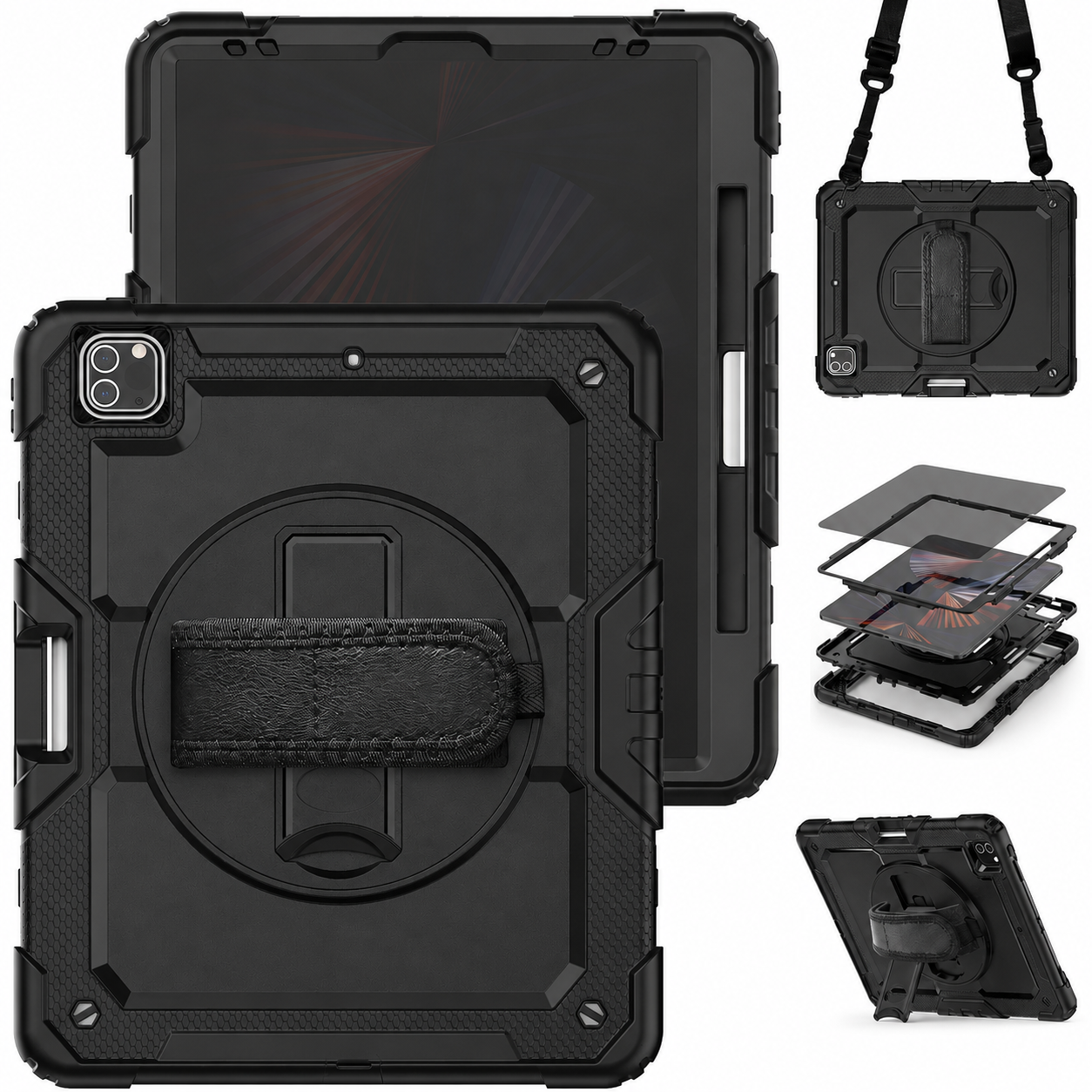
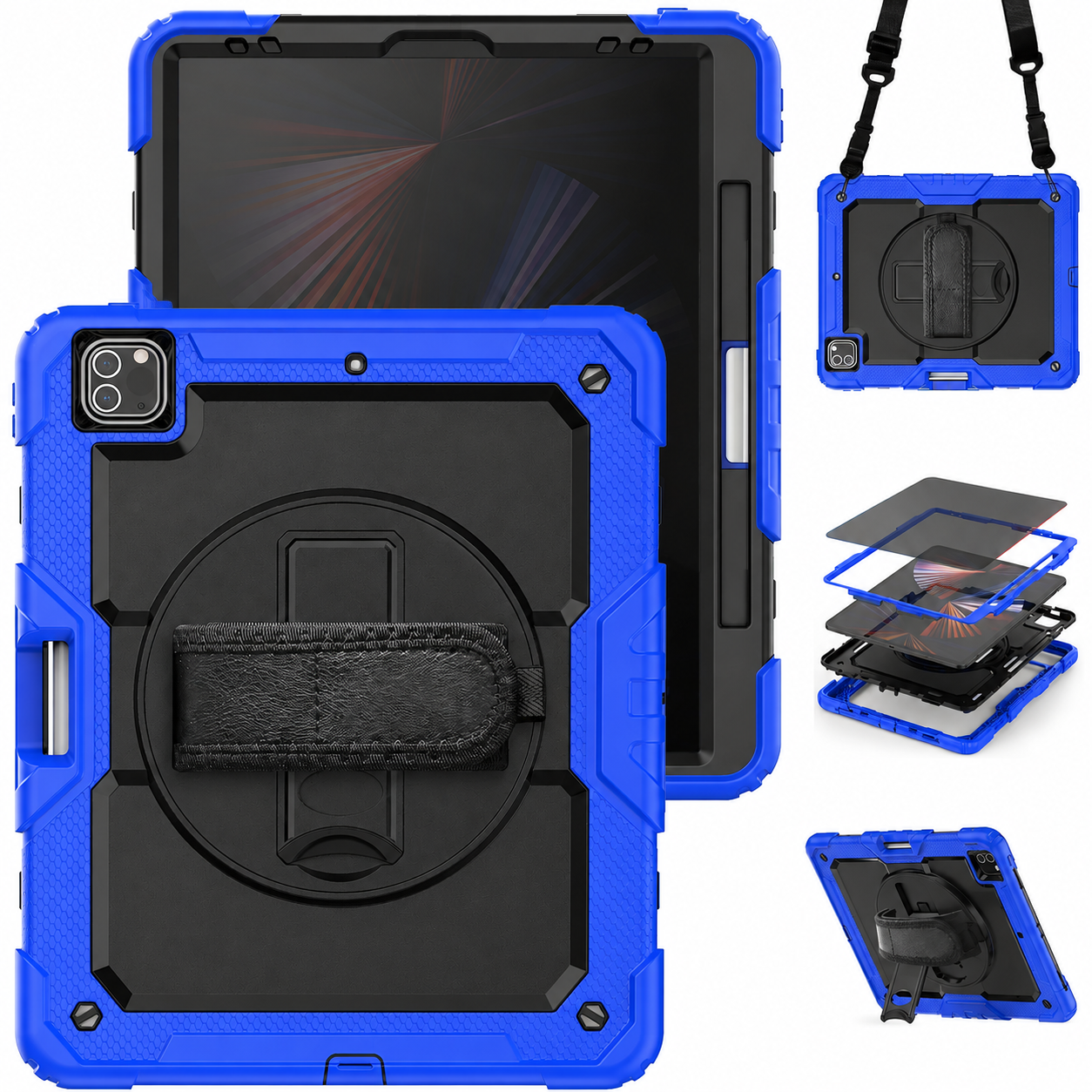
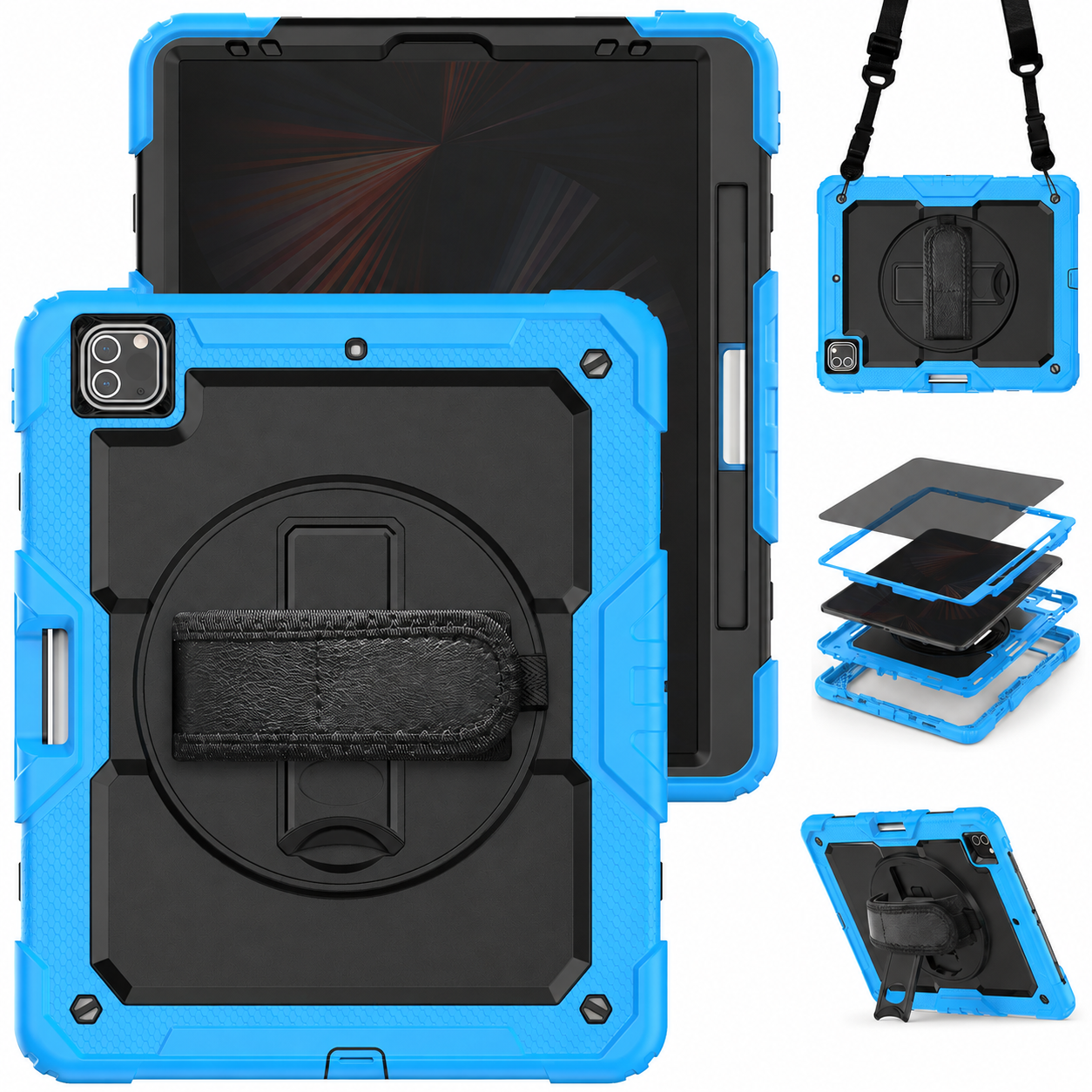
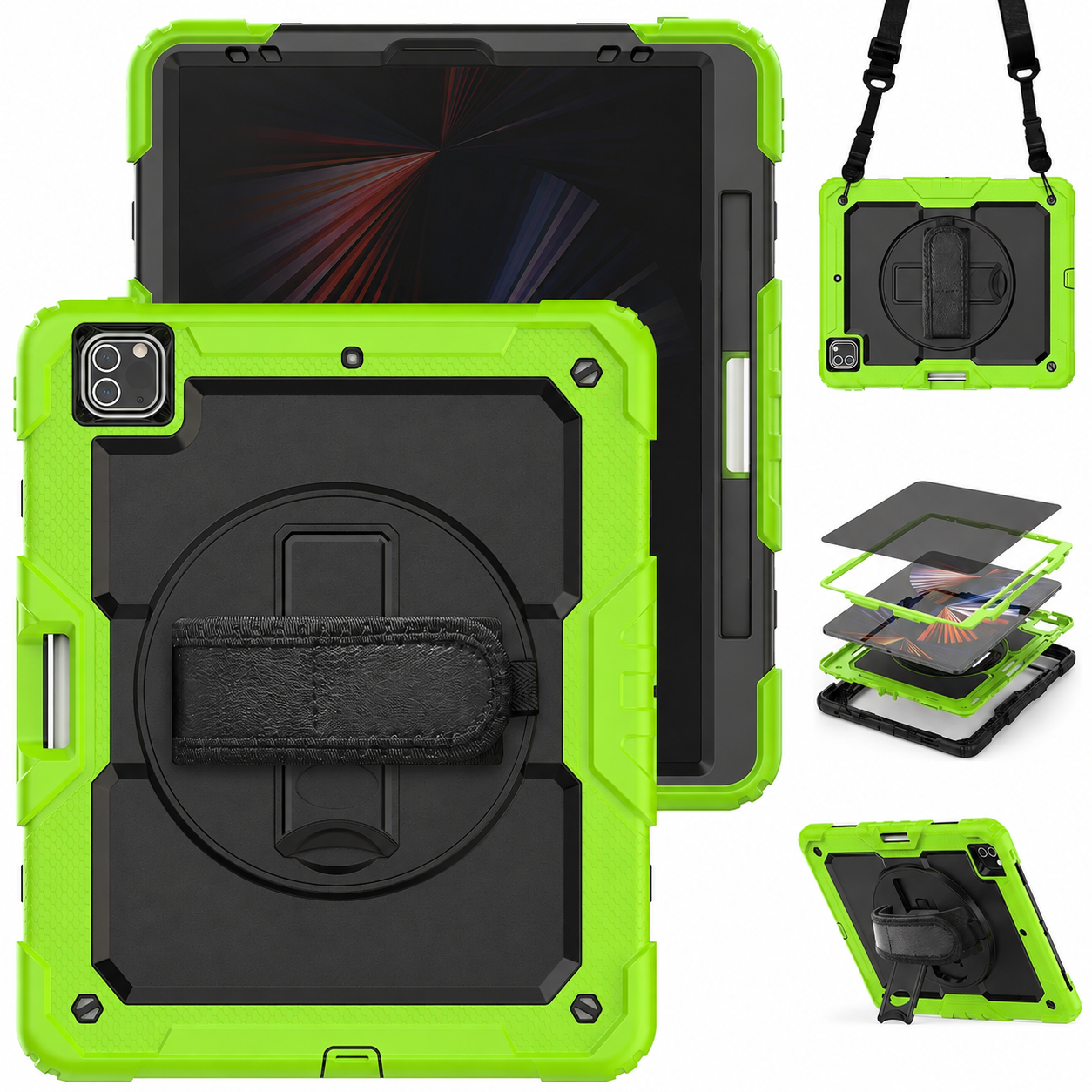
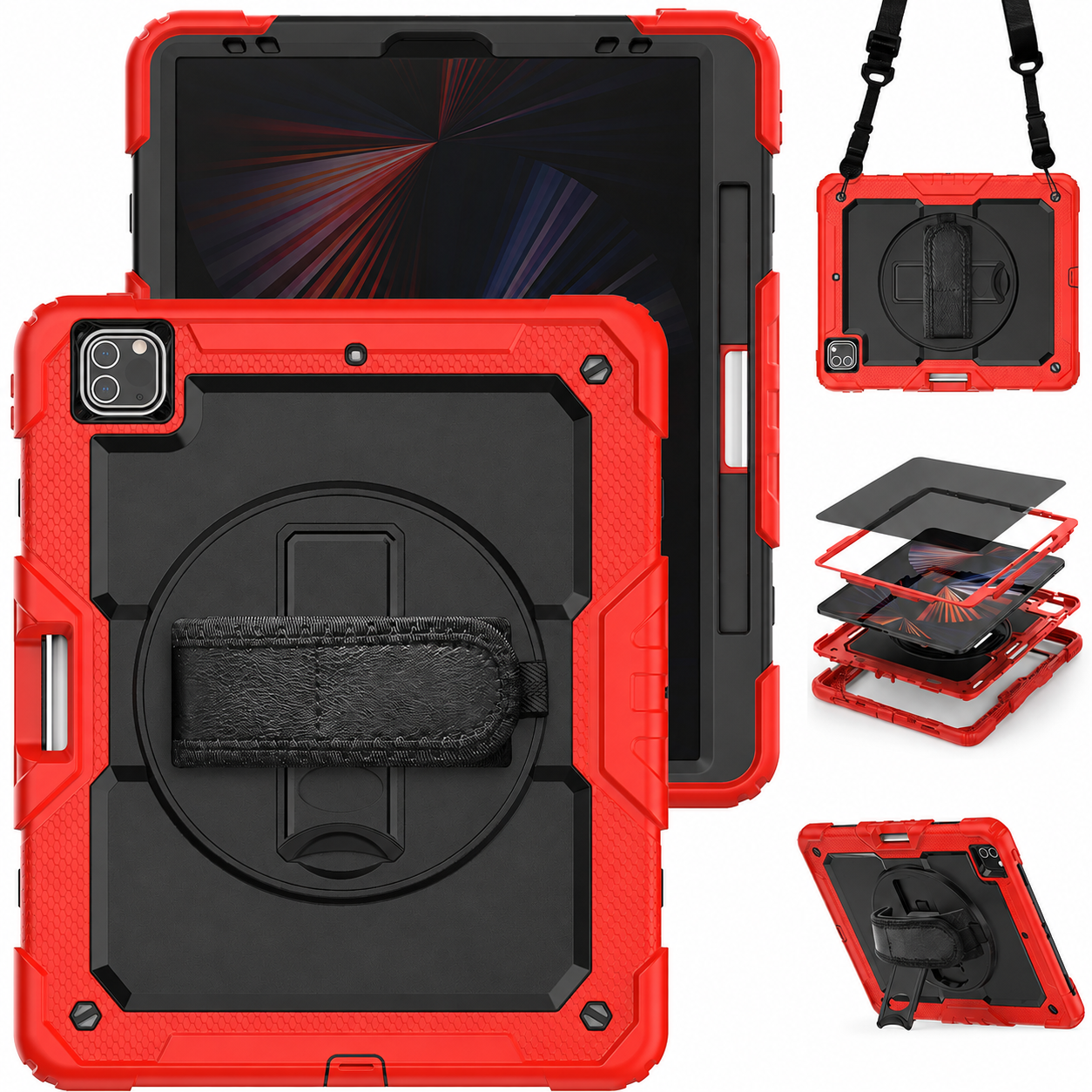
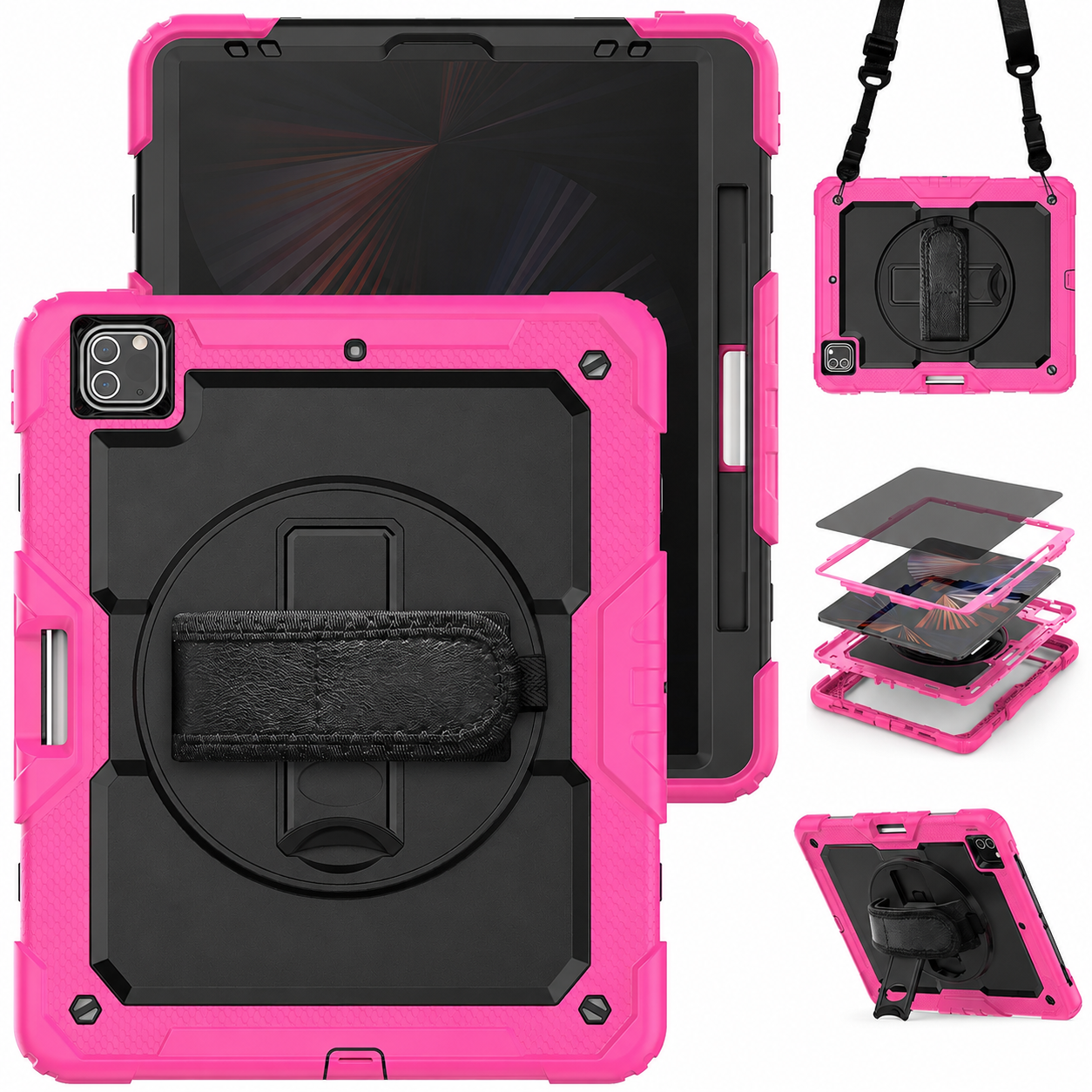
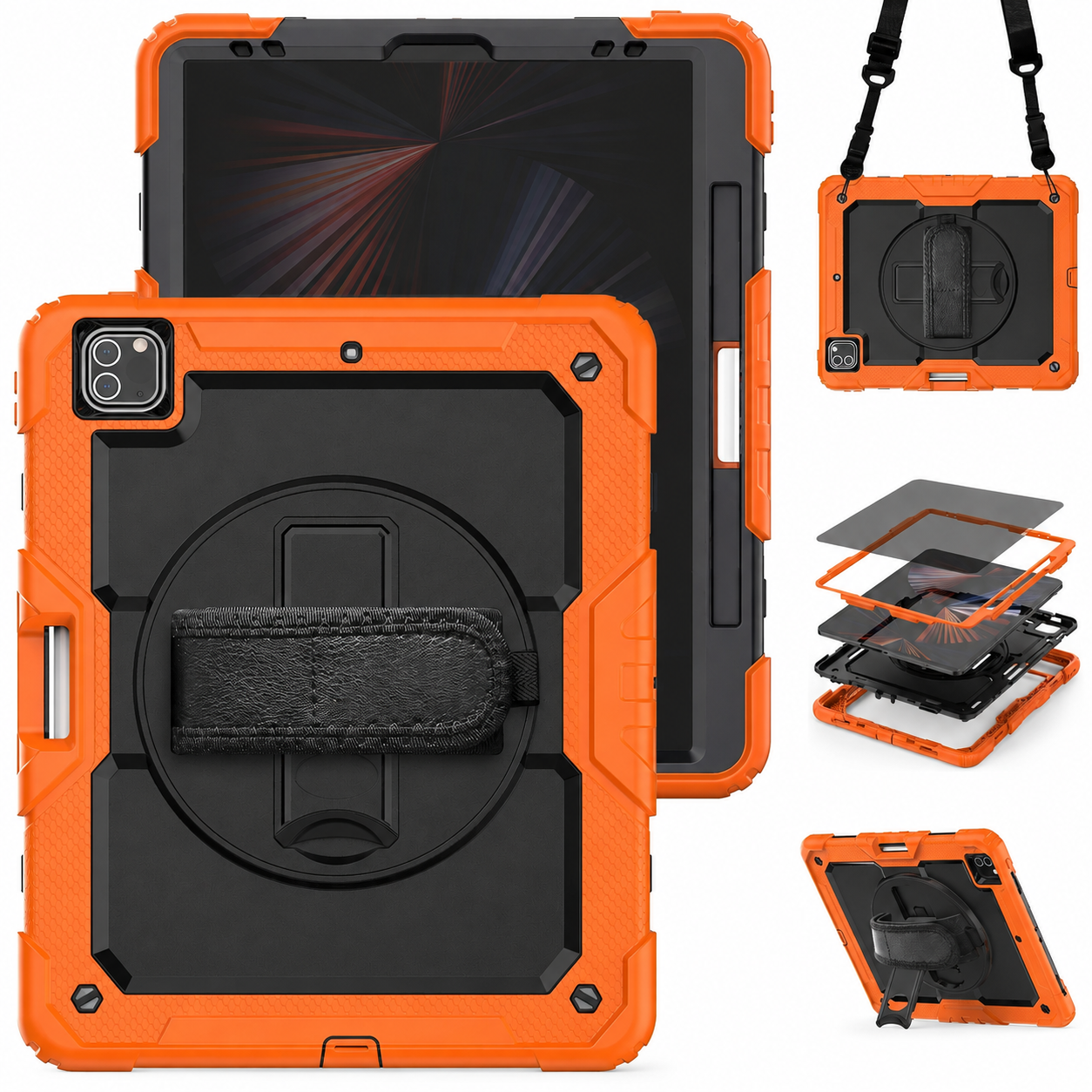
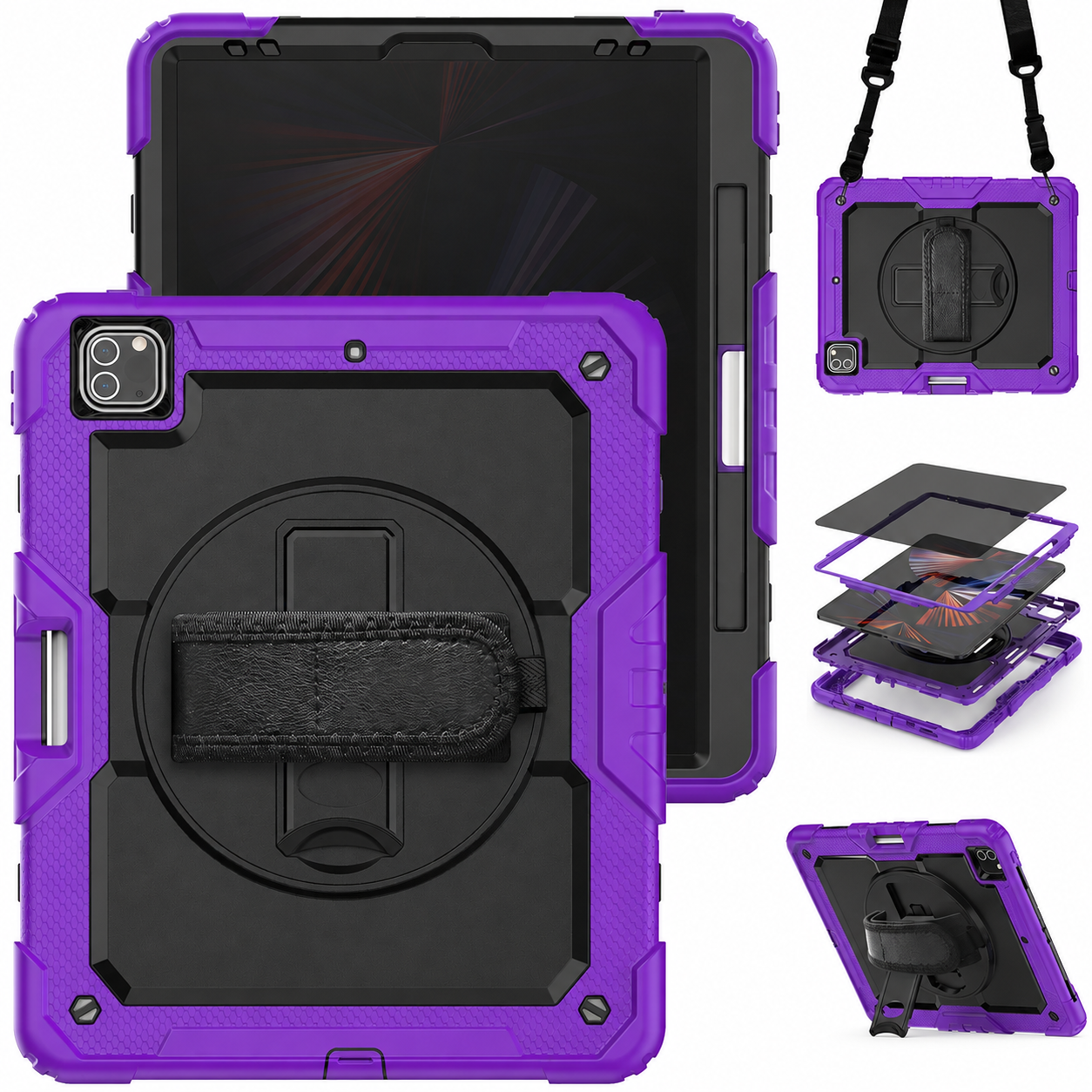
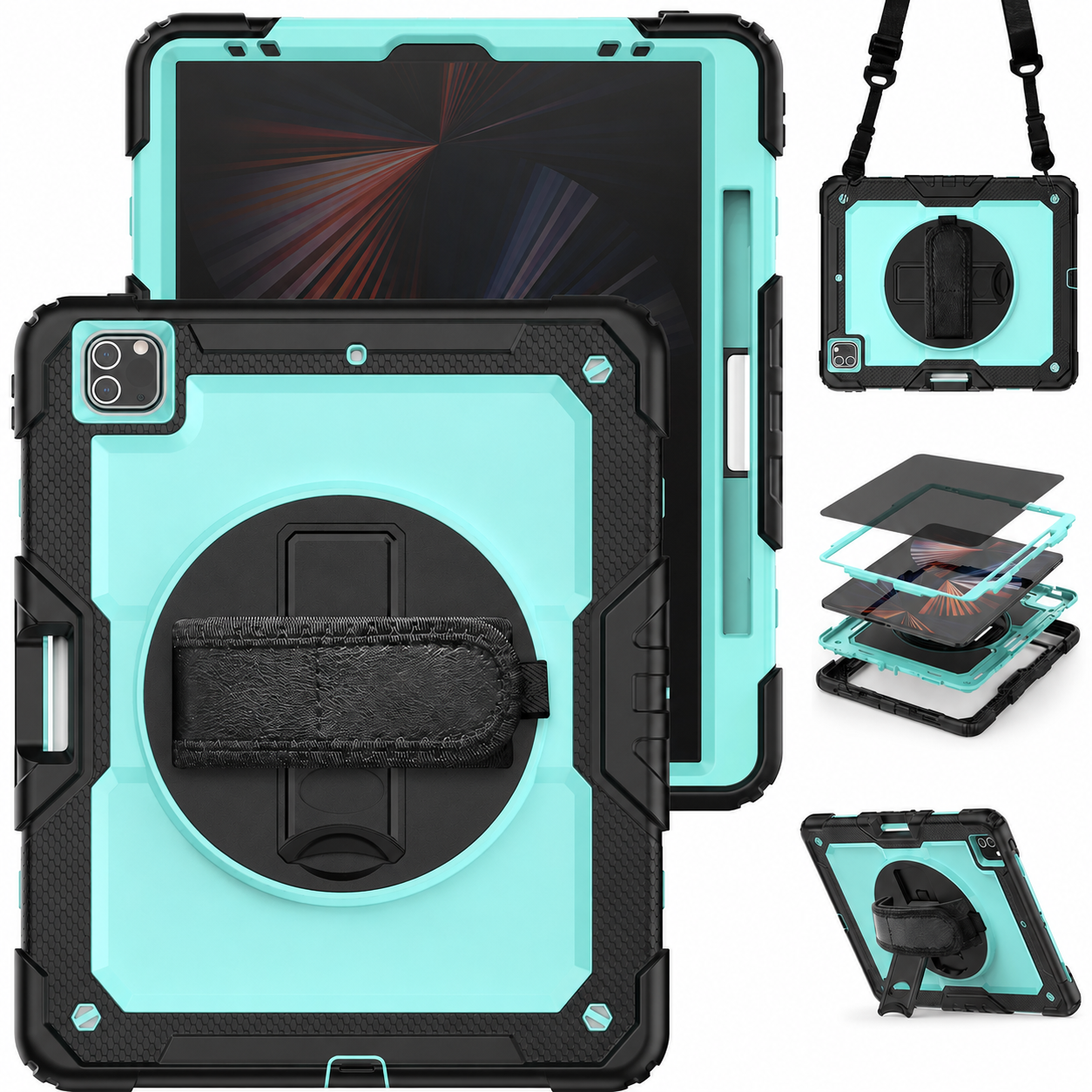
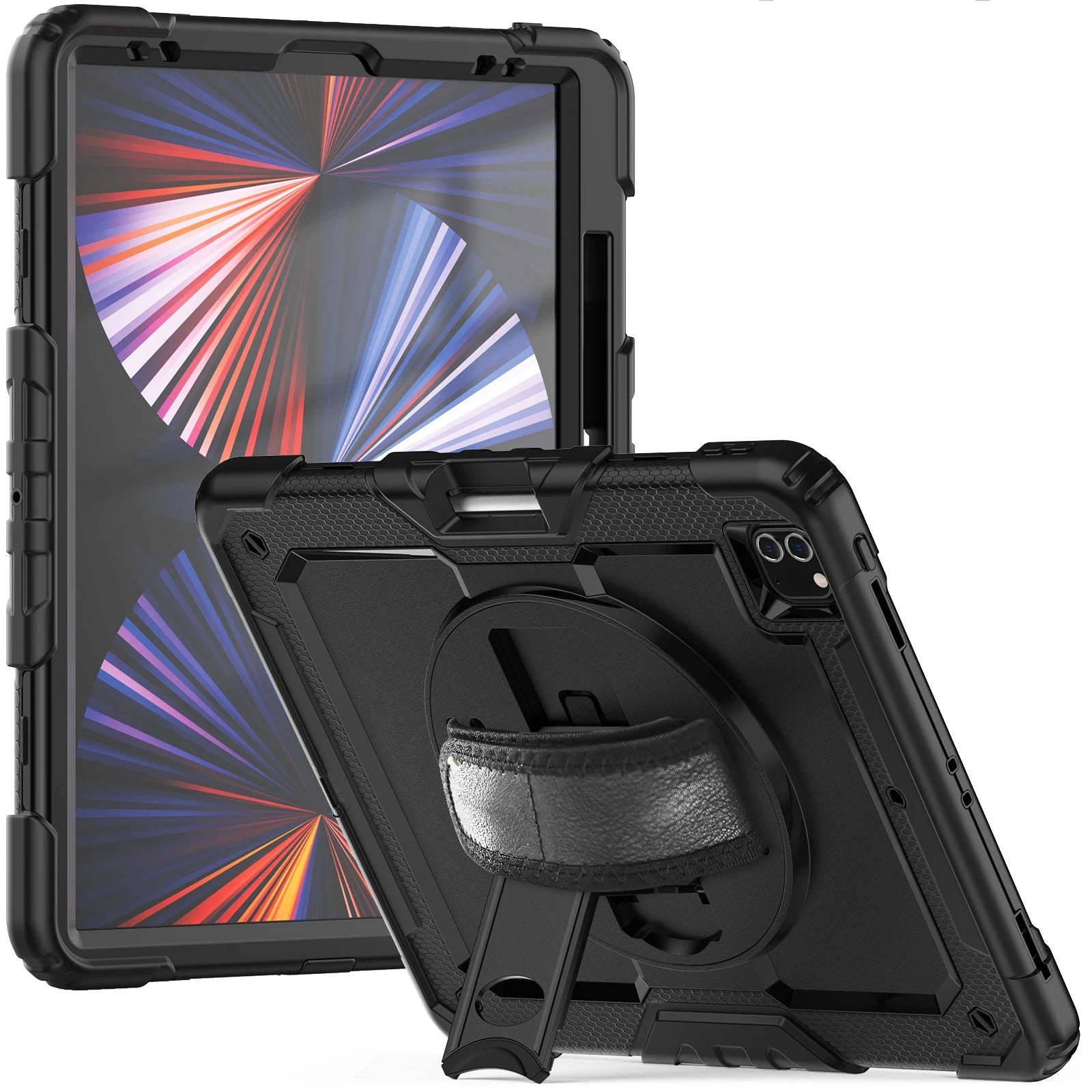
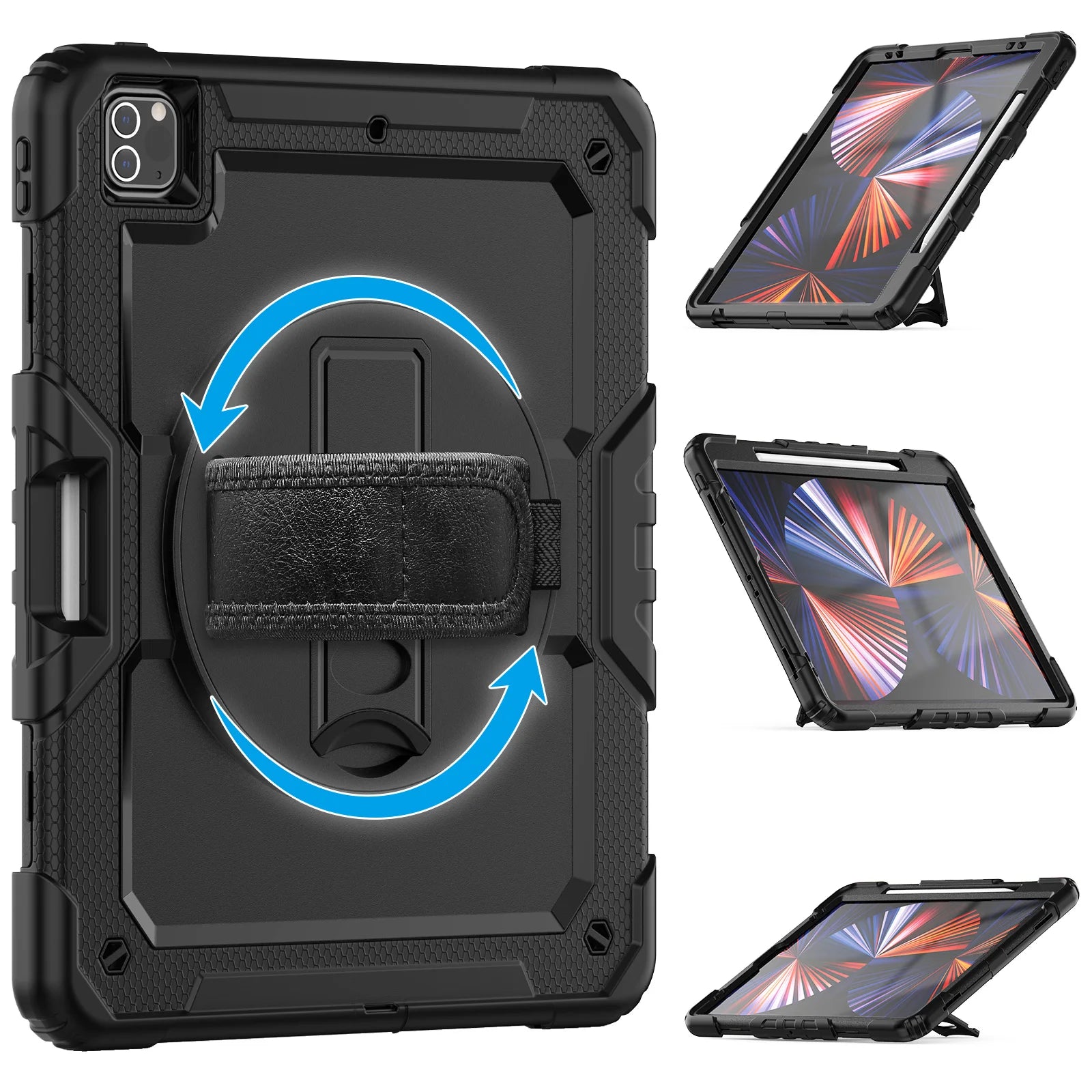
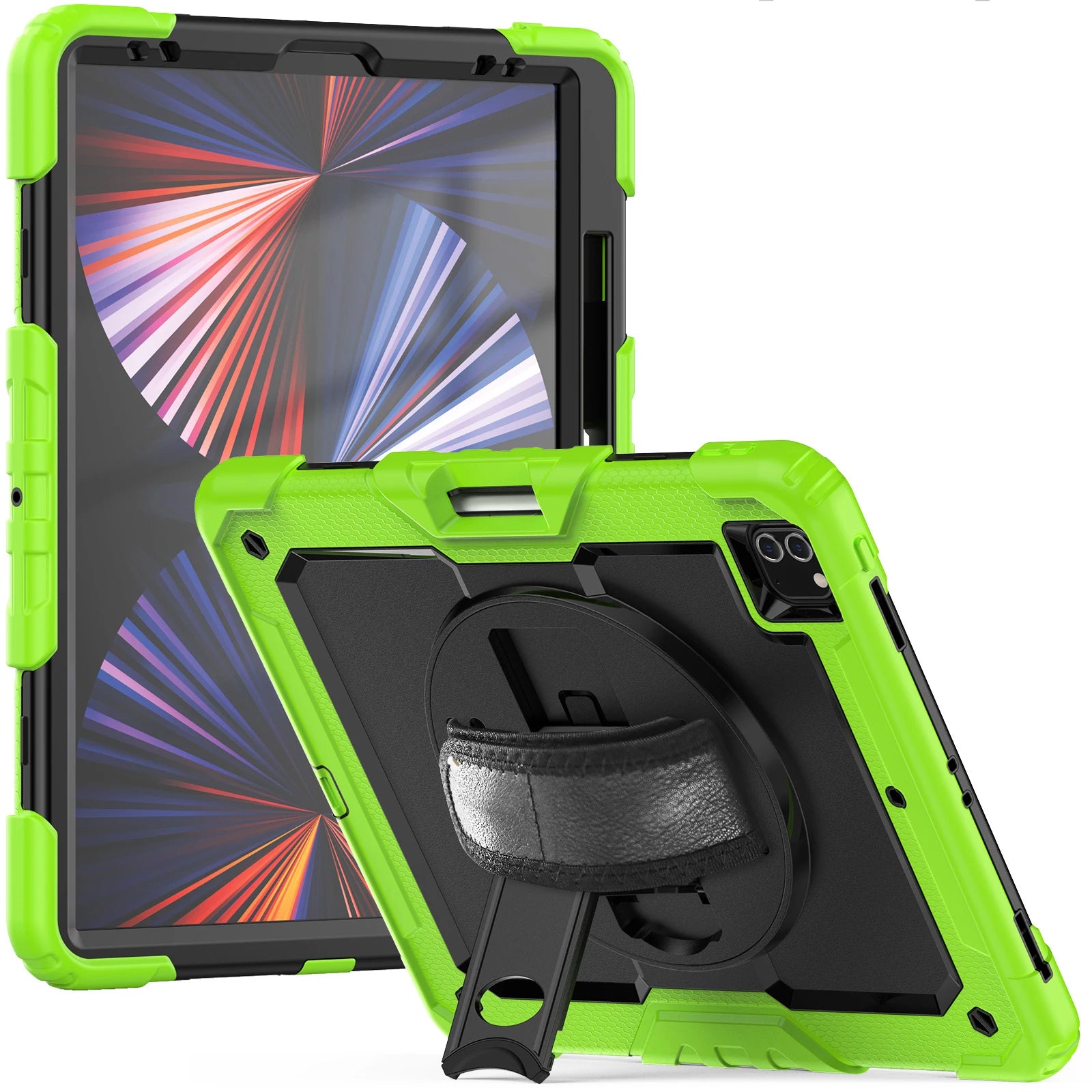
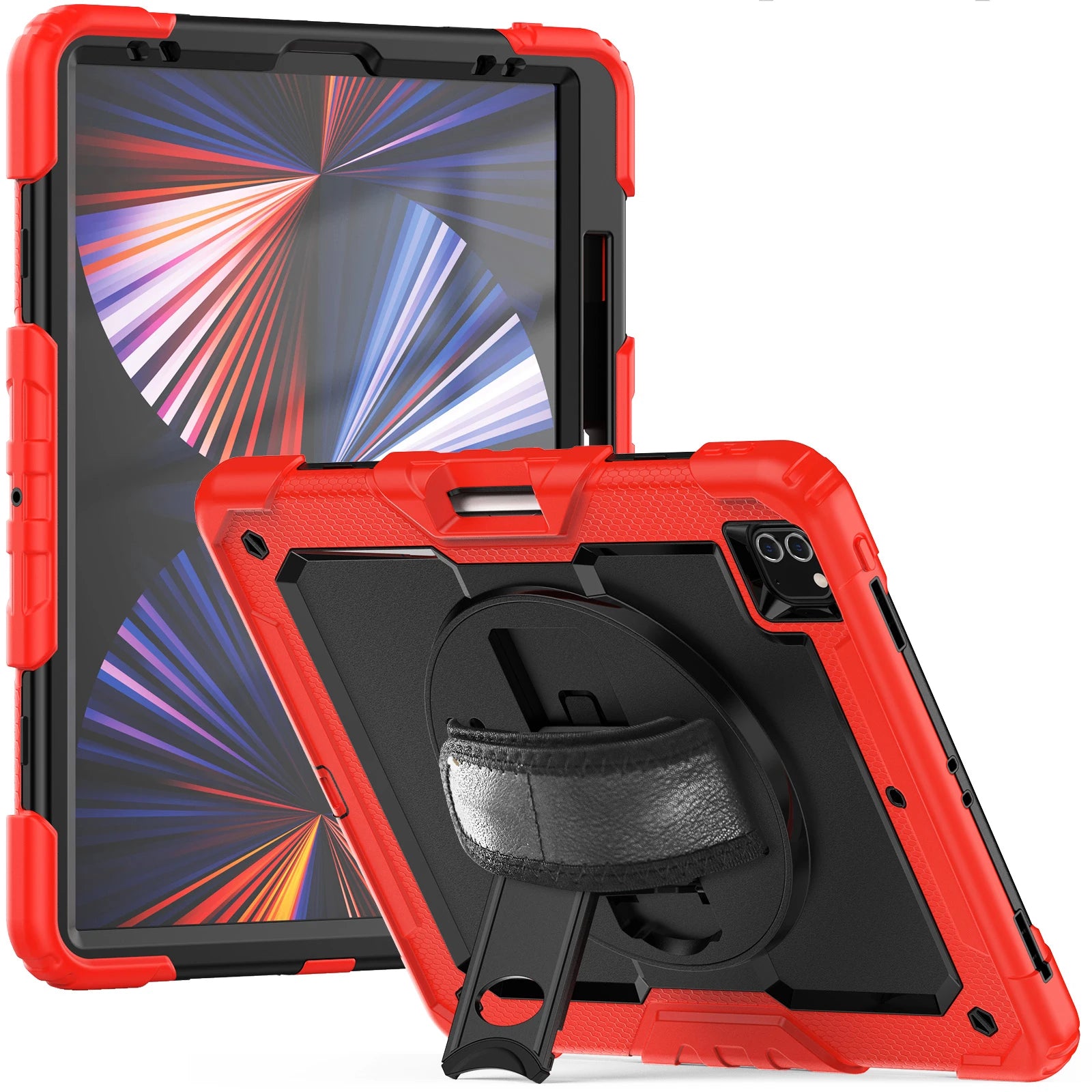
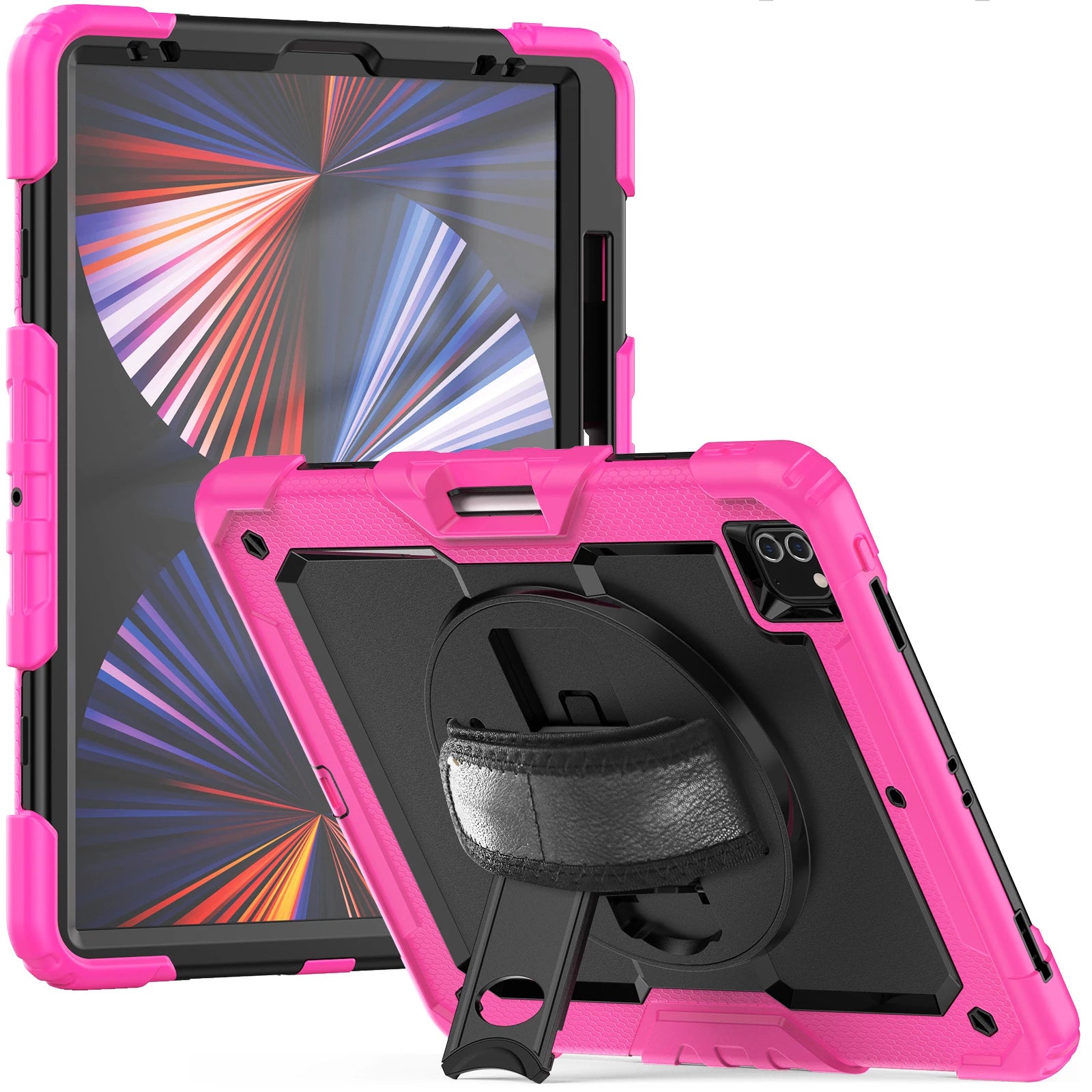
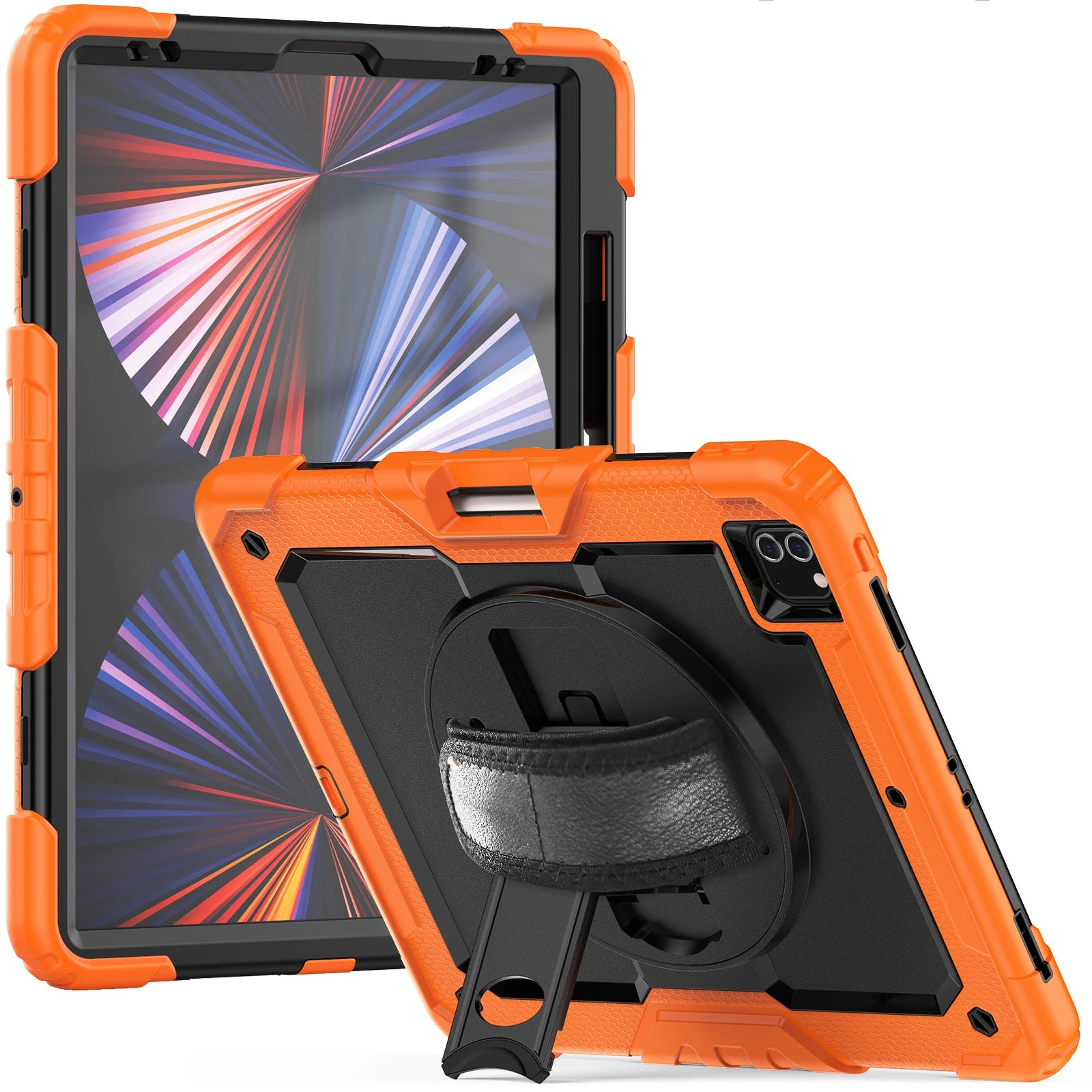
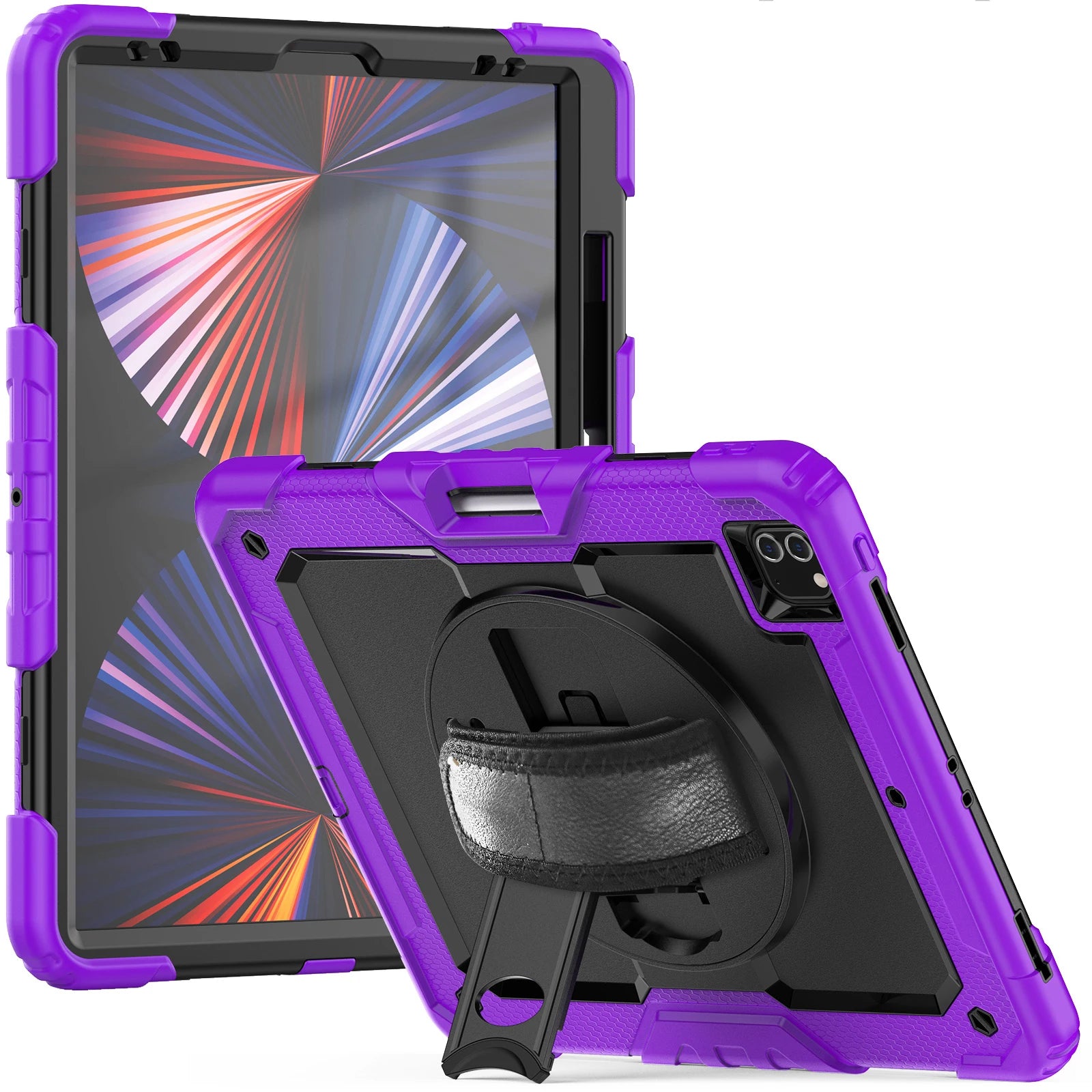
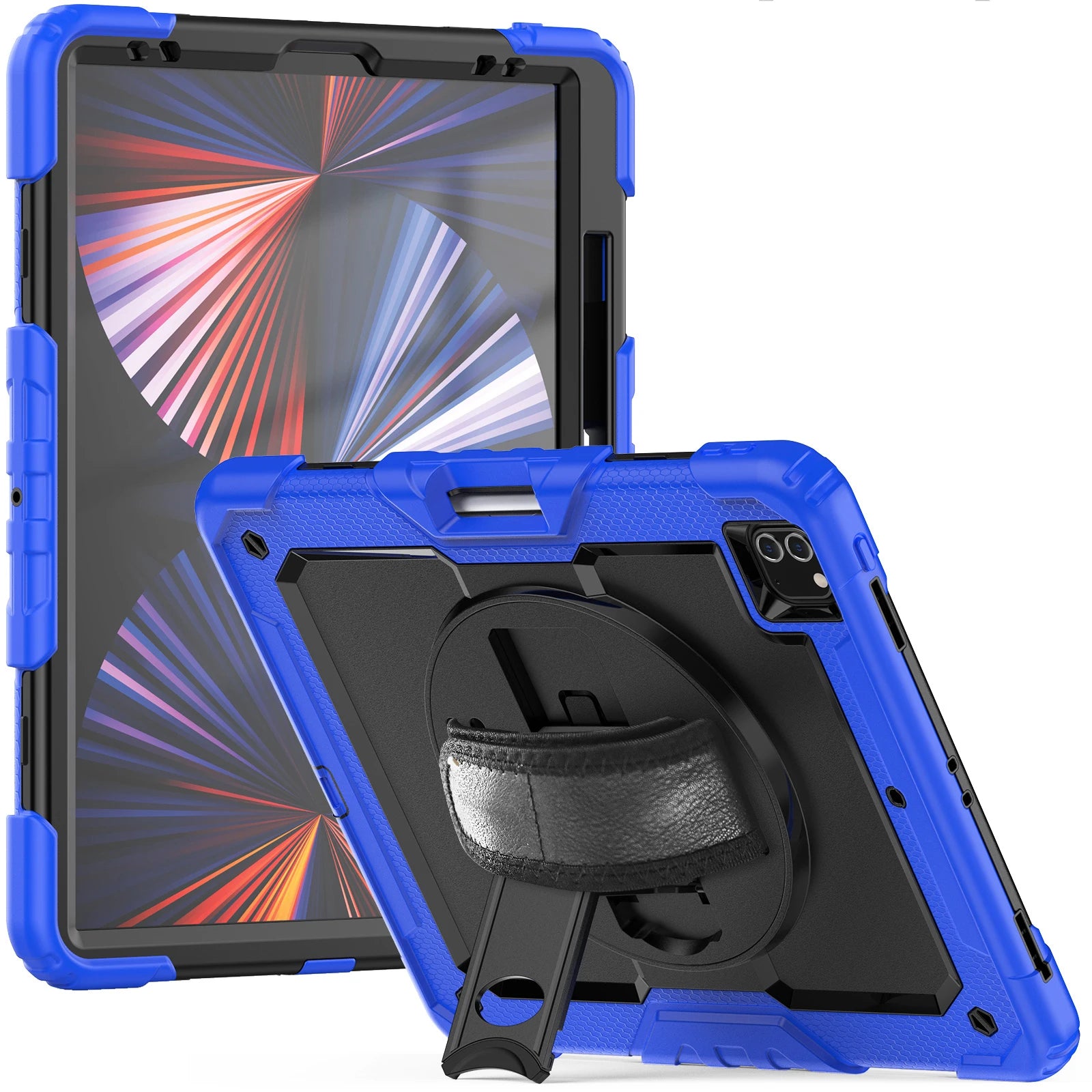
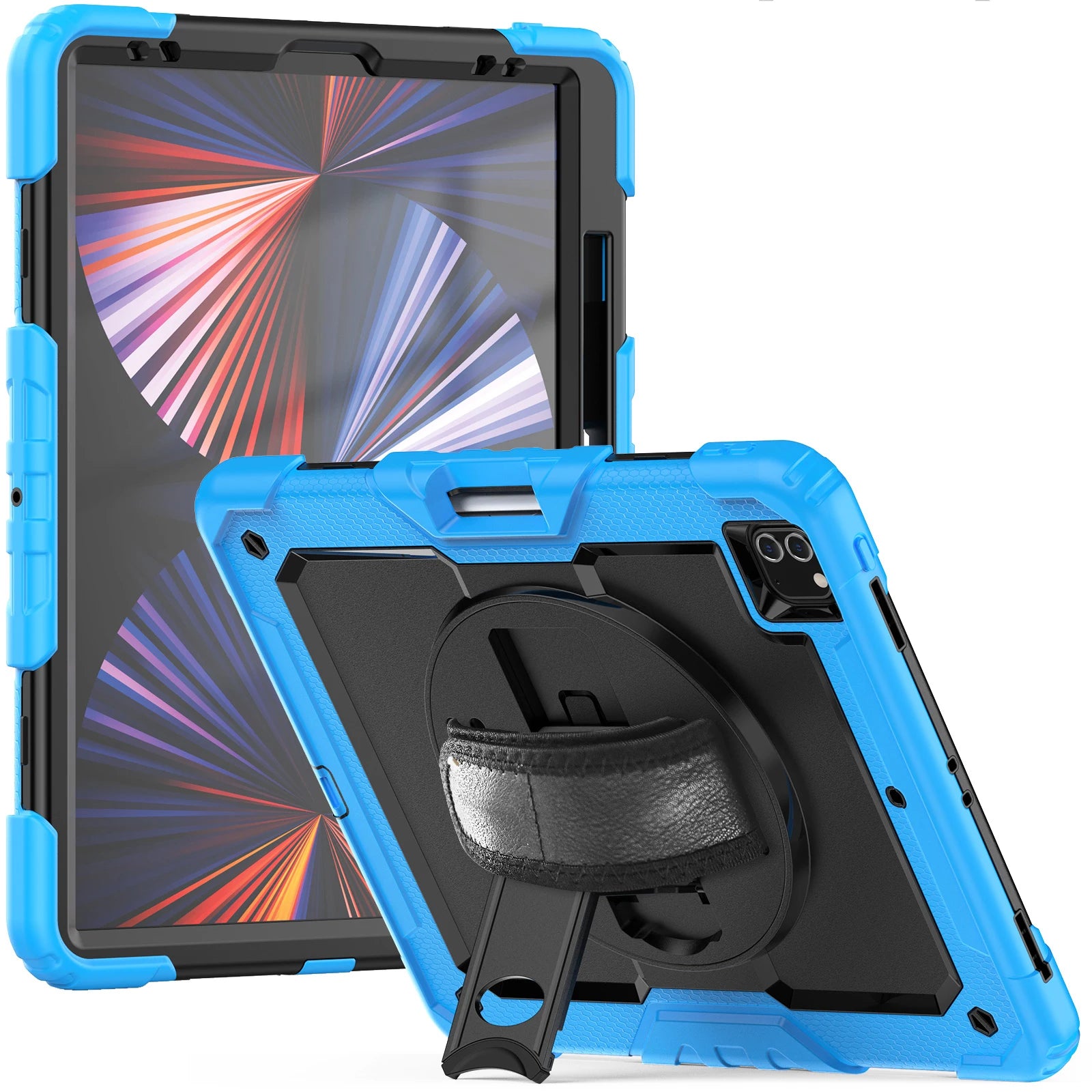
RHINOGUARD PRO PRIVACY EDITION
Rugged outside. Private when needed.YOUR SELECTED SETUP
AvailableIncluded in this selection
iPad and styling props are not included.
RhinoGuard · exact-device protection
A model-specific case focused on precise fit, everyday protection and clear access to essential controls.
Fit check Match the selected option to your iPad’s model and A-number before ordering.
Build one order with the models, colors and quantities your team needs. We can help with fit, formal quotes and purchasing requirements.
Tax-exempt purchasing, W-9 and vendor-document support available.
Prefer email? Contact info@avontic.com
RhinoGuard Pro · Privacy Edition
Avontic’s most complete RhinoGuard Pro system combines rugged exact-fit coverage, confident one-handed control and two model-matched tempered-glass protectors—so you can choose clear glass or privacy glass for your day. Install one screen protector at a time.
The Integrated System
This is more than a case with accessories added afterward. The shell, grip, stand, carry strap, clear front protection and privacy layer form one model-matched system—built around the way an iPad moves through work, school, travel and everyday life.
A rigid model-specific core, shock-buffering exterior, reinforced corners and raised edges support the areas most exposed to everyday bumps and knocks.
Everyday splash & dust resistant: Rugged case construction helps shield covered exterior surfaces against minor splashes, dust, and debris during normal use. Ports and openings are not sealed; wipe moisture away promptly. Not waterproof, submersible, or IP-rated.
Turn the rear grip for steadier portrait or landscape handling without clamping the iPad by its edges.
Move from handheld use to a stable viewing position for calls, lessons, forms, videos or counter work.
Keep the iPad accessible between rooms, stations or vehicles while freeing both hands for everything else.
The included clear tempered-glass front-shell protector adds a replaceable surface layer while keeping the display bright and direct.
The separate privacy protector keeps the clearest view directly in front and helps reduce casual viewing from neighboring side angles.
Both protectors arrive in the box. Choose clear glass or privacy glass, and install only one protector at a time.
Two Protectors · Four Choices
You receive both tempered-glass options. Choose the configuration that best balances privacy, brightness, touch feel and surface protection in your environment—and change it later if your needs change.
Maximum clarity
Use the clear tempered-glass front-shell protector for a bright, direct view with added surface coverage.
Clear protector installedSide-angle discretion
Install the privacy tempered glass directly on the iPad when reducing casual neighboring views matters most.
Privacy protector installedKeep the spare
Keep the unused protector safely stored. Remove the installed protector before switching to the other option.
One protector at a timeDirect screen contact
Prefer the screen uncovered? Use the rugged case without either added glass layer and retain both for future use.
Both protectors remain includedInstalling Your Protector
Use a single protector and check the fit before regular use. Do not stack clear glass and privacy glass.
Power the iPad off, remove any existing protector and clean the display until it is completely free of dust and residue.
Align your chosen protector with the clean display, following its supplied instructions. Check the camera and sensor openings and ensure the edges are seated.
Seat the case evenly and check that it does not lift the protector. Do not add a second glass layer; ask us for help if the case or screen assembly does not seat correctly.
Confirm alignment, edge seating and touch response before regular use. Install one protector at a time and check that the case does not press on its edges.
Privacy, Honestly Explained
The privacy tempered glass is designed to keep the clearest view directly in front of the iPad while making neighboring side-angle views darker and less readable. That can help discourage casual shoulder-surfing around coworkers, classmates, customers, airport seating and shared counters.

Who This System Is For
Choose confidently by deciding what matters more in your day: control and coverage, or minimum size and weight.
This is likely your bundle
Another setup may fit better
Honest Comparison
Privacy Edition is designed for shoppers who want the complete RhinoGuard Pro platform plus adaptable screen privacy in one exact-fit purchase.
| Everyday need | Privacy Edition | Standard RhinoGuard Pro | Case + privacy bought separately | Slim folio |
|---|---|---|---|---|
| Reinforced multi-layer case | Included | Included | Depends on case | Usually lighter coverage |
| 360° grip, kickstand & shoulder strap | Integrated | Integrated | Depends on case | Typically not all three |
| Clear tempered-glass protector | Included | Included | Varies | Usually separate |
| Tempered-glass privacy protector | Included | Not included | Separate purchase | Usually separate |
| Clear / privacy / both / neither | Four choices | Clear or neither | Compatibility dependent | Accessory dependent |
| Model-fit coordination | One matched selection | One matched selection | Two fit checks | Case fit only |
| Purchases to assemble the setup | One | One | Two or more | Multiple for similar functions |
Comparison reflects common characteristics of these product types, not every competing product. Features, materials and included accessories vary by brand and iPad model.
Exact-Fit Confidence
Similar-looking iPads can use different camera openings, button positions, sensors and body geometry. The case and both glass protectors must match the exact iPad model selected.
On the iPad, go to Settings → General → About.
Find Model Number. If it shows a part number, tap it to reveal the number beginning with “A.”
Use Find My Model and select only the option that explicitly matches your iPad generation or A-number.
Send Avontic the A-number before ordering and we’ll help confirm the correct selection.
In the Box
Select the exact model once; the case and both tempered-glass protectors are supplied for that same fit.
Case geometry, openings, Apple Pencil holder placement and kickstand positions can vary by selected iPad model. A model-specific Apple Pencil holder is included where shown for the selected model. iPad and Apple Pencil are not included.
Before You Buy
You receive one RhinoGuard Pro case, one clear tempered-glass front-shell protector, one separate tempered-glass privacy protector, the integrated 360° rotating hand strap and kickstand, and one adjustable detachable shoulder strap—all matched to the selected iPad model. The iPad and Apple Pencil are not included.
No. Both protectors are included, but they are alternatives. Choose clear glass or privacy glass and install only one at a time.
Do not stack them. Follow the instructions for your chosen protector, check case clearance and test touch response. Keep the unused protector for a future change.
No privacy filter makes a display universally invisible. It is designed to darken neighboring side-angle views while keeping the clearest view directly in front. Results vary with viewing angle, screen brightness, displayed content and ambient light.
Privacy glass can reduce perceived brightness. Cleaning and alignment matter; test touch response with a single protector installed and check case clearance before regular use.
No. RhinoGuard Pro is designed to add rugged coverage around the iPad, and each glass layer adds a replaceable surface barrier, but no case or protector can prevent all damage. Results depend on impact force, angle, installation and use conditions.
The core functions remain consistent, but camera openings, ports, button positions, holder placement, frame details and supported kickstand positions can vary by selected iPad model. Review the images for your chosen model and contact Avontic if the fit is unclear.
A dedicated model-specific holder is included where shown for the selected iPad version. Its placement and compatible Pencil generation can vary. Apple Pencil is not included.
No—and deliberately so. Reinforced coverage, the rotating rear assembly, kickstand and strap mounts add bulk and weight. Choose Privacy Edition when protection, control, carrying flexibility and optional privacy matter more than minimum thickness.
Find the A-number under Settings → General → About and send it to Avontic. We can help confirm the matching option before you order. Purchases are also covered by the current 60-Day Returns policy.
Your current product stays selected. These links open a different product.
 Case included
RhinoGuard Pro
The case on its own, with its built-in grip and stand.
$99.99Review options →
Case included
RhinoGuard Pro
The case on its own, with its built-in grip and stand.
$99.99Review options →
 Case included
RhinoGuard Pro Elite
Case + backlit 10-inch keyboard + wireless mouse.
$169.99Review options →
Case included
RhinoGuard Pro Elite
Case + backlit 10-inch keyboard + wireless mouse.
$169.99Review options →
 Case included
RhinoGuard Pro WorkForce 360°
Case + standard non-backlit 10-inch RhinoKeys keyboard.
$139.99Review options →
Case included
RhinoGuard Pro WorkForce 360°
Case + standard non-backlit 10-inch RhinoKeys keyboard.
$139.99Review options →
 Case included
RhinoGuard Pro Complete
Case + standard non-backlit keyboard + mouse + passive stylus.
$179.99Review options →
Case included
RhinoGuard Pro Complete
Case + standard non-backlit keyboard + mouse + passive stylus.
$179.99Review options →
 Case included
RhinoGuard Pro Fold
Case + folding touchpad keyboard + 3 capacitive stylus pens.
$199.99Review options →
Case included
RhinoGuard Pro Fold
Case + folding touchpad keyboard + 3 capacitive stylus pens.
$199.99Review options →
Matching black cases for one iPad model per pack. Choose the pack and stylus option on its page.
 Team pack
RhinoGuard Pro TeamReady
3 or 5 black cases. Choose pack size and optional styli.
From $269.99Review options →
Team pack
RhinoGuard Pro TeamReady
3 or 5 black cases. Choose pack size and optional styli.
From $269.99Review options →
 Team pack
RhinoGuard Pro TeamReady
3 black cases + 3 standard keyboards. Optional 3 styli.
From $399.99Review options →
Team pack
RhinoGuard Pro TeamReady
3 black cases + 3 standard keyboards. Optional 3 styli.
From $399.99Review options →
 Team pack
RhinoGuard Pro TeamReady
5 black cases + 5 standard keyboards. Optional 5 styli.
From $649.99Review options →
Team pack
RhinoGuard Pro TeamReady
5 black cases + 5 standard keyboards. Optional 5 styli.
From $649.99Review options →
Your iPad model is checked before switching. Any different finish or setup needs your choice.
Optional extras
From desk days to days on the move.
Choose the finishing touches for your setup.

From office to on-site
Keep your tablet, compact keyboard, notebook and daily essentials together.
External size: 44 × 32 × 6 cm. Check your cased tablet and packed accessories; usable space is smaller. View details

Tap. Sign. Keep moving.
Forms, signatures and everyday touch control. No charging or pairing.
Passive capacitive stylus. No pressure sensitivity or palm rejection. View details

Give your screen a place
A separate adjustable tripod stand for hands-free calls, presentations and training.
Review clamp clearance, cased-tablet dimensions and placement before ordering.
Choose options
RHINOGUARD PRO PRIVACY EDITION
Rugged outside. Private when needed.Prefer to choose every piece? Create a custom setup around your exact iPad, your favorite case and the accessories you want.

FormaLift Studio Magnetic Stand iPad Case


Accessories shown for inspiration. Available options depend on your exact iPad and case. Each addition is optional. iPad not included.
NEW · RHINOGUARD WORKFORCE COLOR
Two rugged case styles. Twelve case colors. Five keyboard colors. Build an iPad setup that feels like yours.
Explore WorkForce Color
CASE + BLUETOOTH KEYBOARD + GLASS
A padded fabric hand strap for a comfortable handheld grip, with a separate kickstand.

CASE + BLUETOOTH KEYBOARD + GLASS
A rigid rotating ring grip and faceted rear shell for a distinctive handheld setup.
ONE KEYBOARD. YOUR COLOR.
BlackWhiteGreenPinkBlue
Each bundle includes one case, one separate 10-inch keyboard, a shoulder strap and standard glass. The privacy option adds matching privacy glass; install one protector at a time. Select your exact iPad model before ordering. iPad not included.

